Drop in a .docx file, download a PDF with real, selectable text. No upload, no account, no watermark — headings, lists, tables and images carry over.
How to convert Word to PDF
Drop your .docx file into the box above. (Older .doc files aren't supported — save as .docx first.)
Pick a page size: A4 or US Letter.
Click "Convert to PDF" and download. The text stays real text — you can select it and search it, it's not a screenshot.
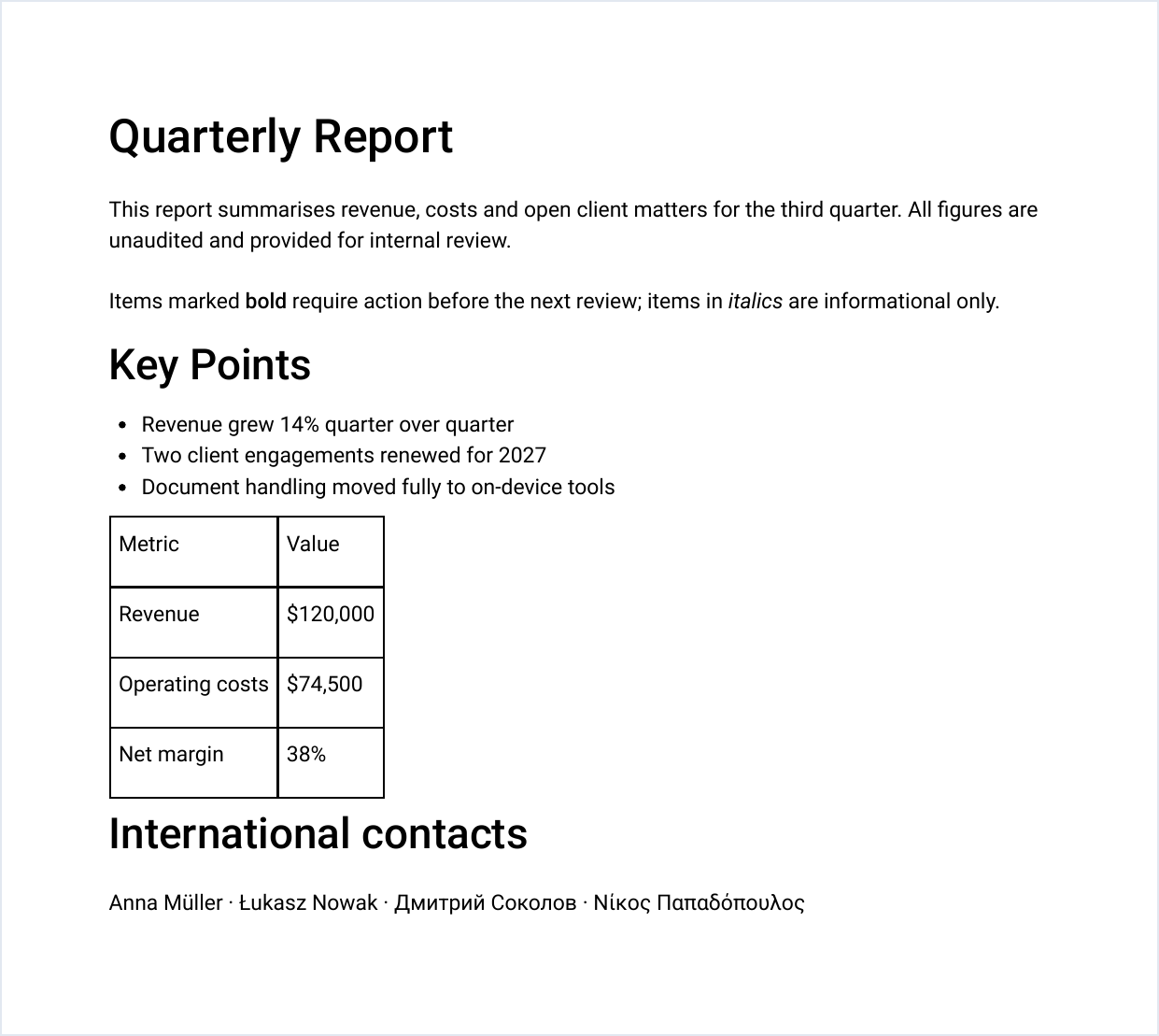
What to expect, honestly
This runs in your browser, not inside Microsoft Word — so the structure carries over, the exact layout doesn't.
Headings, paragraphs, bold and italic, bullet and numbered lists, tables, images.
Custom headers and footers, footnotes, exact fonts, complex nested layouts.
Letters, reports and notes come out well. Check a heavily designed document before sending it on.
Upload your .docx to a server — sometimes running Word or LibreOffice — and send back a PDF.
Reads and rebuilds the document in your browser. Never transmitted — which matters for contracts and HR documents.
Next steps after converting
Need to sign it, hide a few details or attach it to other PDFs? All of it works the same way — in your browser, nothing uploaded.
Free and Premium
15 pages a day
- Every tool except OCR — merge, split, organize, compress, redact, sign, edit, page numbers, protect, convert (incl. PDF to Word and JPG), extract text
- No watermark, no account, no email
- Counted across all tools; the count resets every day
$9/month
- No page limit on any tool
- OCR: make scanned PDFs searchable, 39 languages
- Your signature saved on this device (never uploaded), and your signature or initials on every page in one click
- Number a whole set of files in one go — plain or Bates, with an index
- One-click form filling with your saved details — name, address, email
- Or $69/year · $149 once, for life
Free or Premium, the tools work the same way: your files never leave your device.