Most online PDF tools upload your file to a server first. Client financials shouldn't sit on infrastructure you don't control — StayPutPDF works entirely in your browser: merge, redact and convert without a single number leaving your machine.
Why the upload step is the problem
Sends the file to a third-party server. A copy of your client's numbers now exists somewhere outside your firm.
Account numbers, tax IDs, payroll — explaining a free tool's data policy to a client is a conversation worth avoiding.
What accountants do with StayPutPDF
- Merge monthly invoices, bank and card statements, year-end client packets.
- Redact account numbers, SSNs and tax IDs before sending a document on. It can find card, account and ID numbers automatically — automatic search can miss some, so check the result before you send it. How redaction works
- Convert Excel to PDF — a clean, read-only copy of a budget or schedule. Excel guide
- Sign engagement letters, edit and fill in forms.
- OCR (Premium) — make scanned receipts and statements searchable.
How to build a client packet
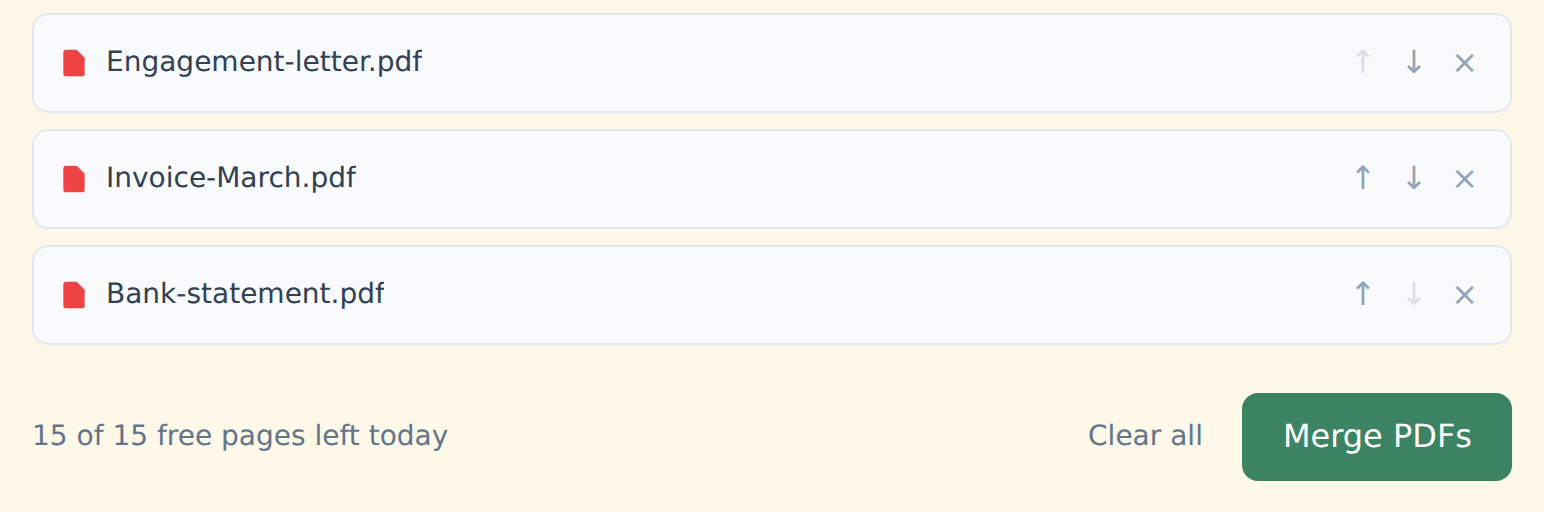
Drop your PDFs into the box above — read straight from your device.
Order them with ↑ ↓ the way the client should read them.
Click "Merge PDFs" and download. No watermark, on any plan.
How it keeps client numbers local
The tools run with open-source libraries inside your browser tab. Your browser reads the file from your disk, does the work in memory and hands you back the result.
There's no server call at any point — free or Premium — so no third party holds account numbers or tax IDs, even briefly. Check it yourself in a minute.
Free and Premium
15 pages a day
- Every tool except OCR — merge, split, organize, compress, redact, sign, edit, page numbers, protect, convert (incl. PDF to Word and JPG), extract text
- No watermark, no account, no email
- Counted across all tools; the count resets every day
$9/month
- No page limit on any tool
- OCR: make scanned PDFs searchable, 39 languages
- Your signature saved on this device (never uploaded), and your signature or initials on every page in one click
- Number a whole set of files in one go — plain or Bates, with an index
- One-click form filling with your saved details — name, address, email
- Or $69/year · $149 once, for life
Free or Premium, the tools work the same way: your files never leave your device.
Buying for your firm? Team plans start at $35 a month for up to 5 people — one license for the whole office. See team plans