Drop your files in, put them in order, click Merge, download. No account, no install — and nothing is uploaded: it all runs in this browser tab.
How to merge PDF files into one
Gather your PDFs — email attachments, scans, exported reports.
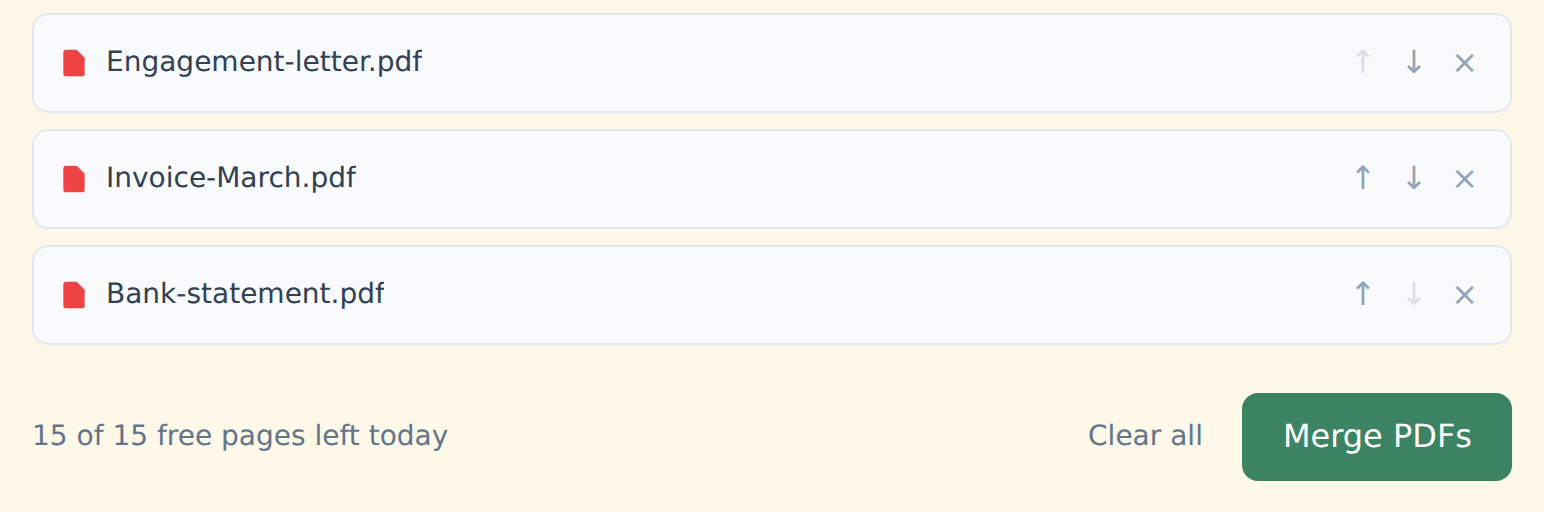
Drop them into the box above, or click "Select from device". You can pick several at once.
Put them in order with the ↑ ↓ arrows next to each file. Remove one with ×.
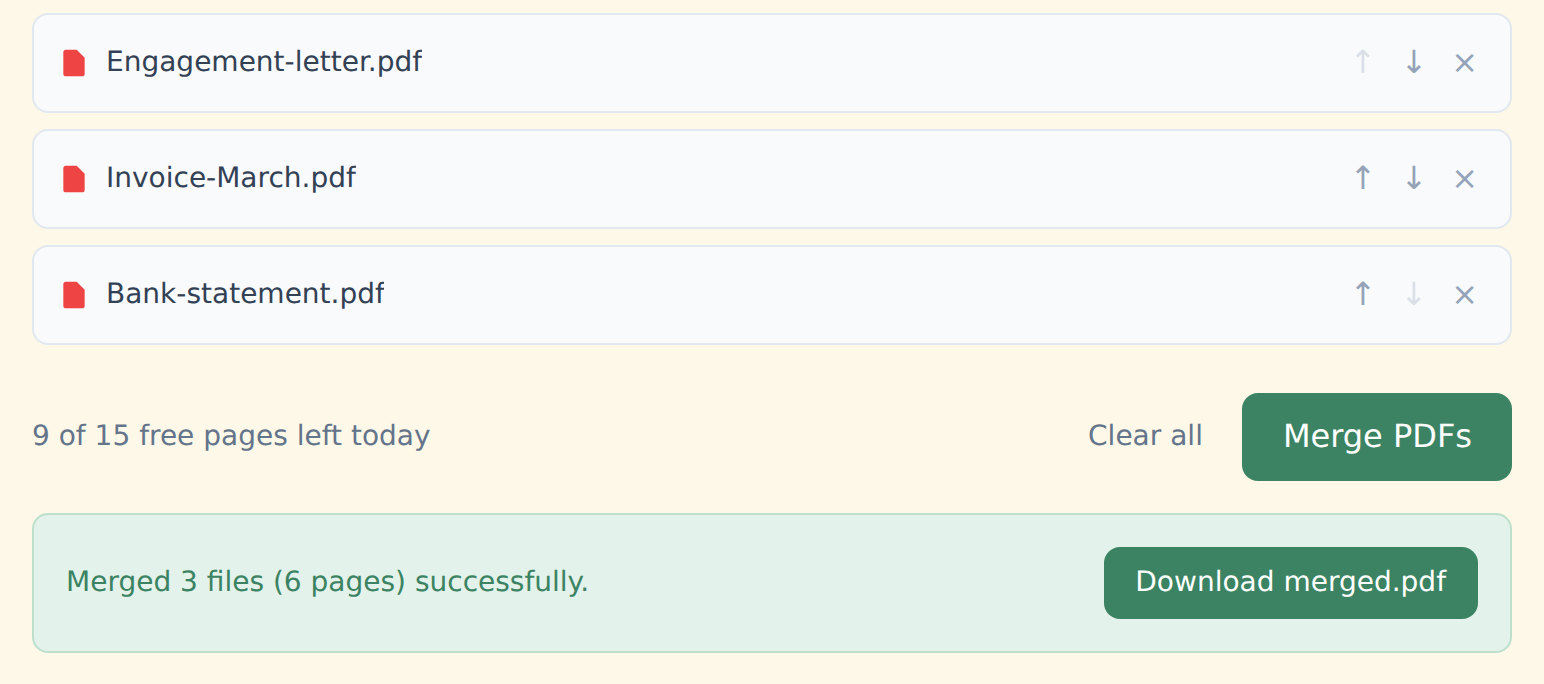
Click "Merge PDFs". Every file is combined into one document, in the order shown.
Download merged.pdf. No watermark, no logo — just your pages.
Works on any computer or phone
Windows, Mac, Chromebook, Android, iPhone — in Chrome, Safari, Edge or Firefox. Nothing to install. On a Mac? Here's how it compares with Preview.
It works offline too: once you've opened the site, the tools keep working without internet — in a normal browser tab. Merge files often? Install StayPutPDF as an app and it gets its own window, like any other app.
Upload your files to a server, merge them there and send the result back. Your documents sit, even briefly, on a computer you don't control.
The whole merge runs in your browser. Your files never leave your device — which matters for contracts, medical records and statements.
Free and Premium
15 pages a day
- Every tool except OCR — merge, split, organize, compress, redact, sign, edit, page numbers, protect, convert (incl. PDF to Word and JPG), extract text
- No watermark, no account, no email
- Counted across all tools; the count resets every day
$9/month
- No page limit on any tool
- OCR: make scanned PDFs searchable, 39 languages
- Your signature saved on this device (never uploaded), and your signature or initials on every page in one click
- Number a whole set of files in one go — plain or Bates, with an index
- One-click form filling with your saved details — name, address, email
- Or $69/year · $149 once, for life
Free or Premium, the tools work the same way: your files never leave your device.