Drop in a .xlsx or .xls file, download a PDF where every sheet is a clean, labelled table. No upload, no account, no watermark.
How to convert Excel to PDF
Drop your spreadsheet into the box above. Both .xlsx and older .xls work.
Pick landscape or portrait. Landscape fits wide sheets better.
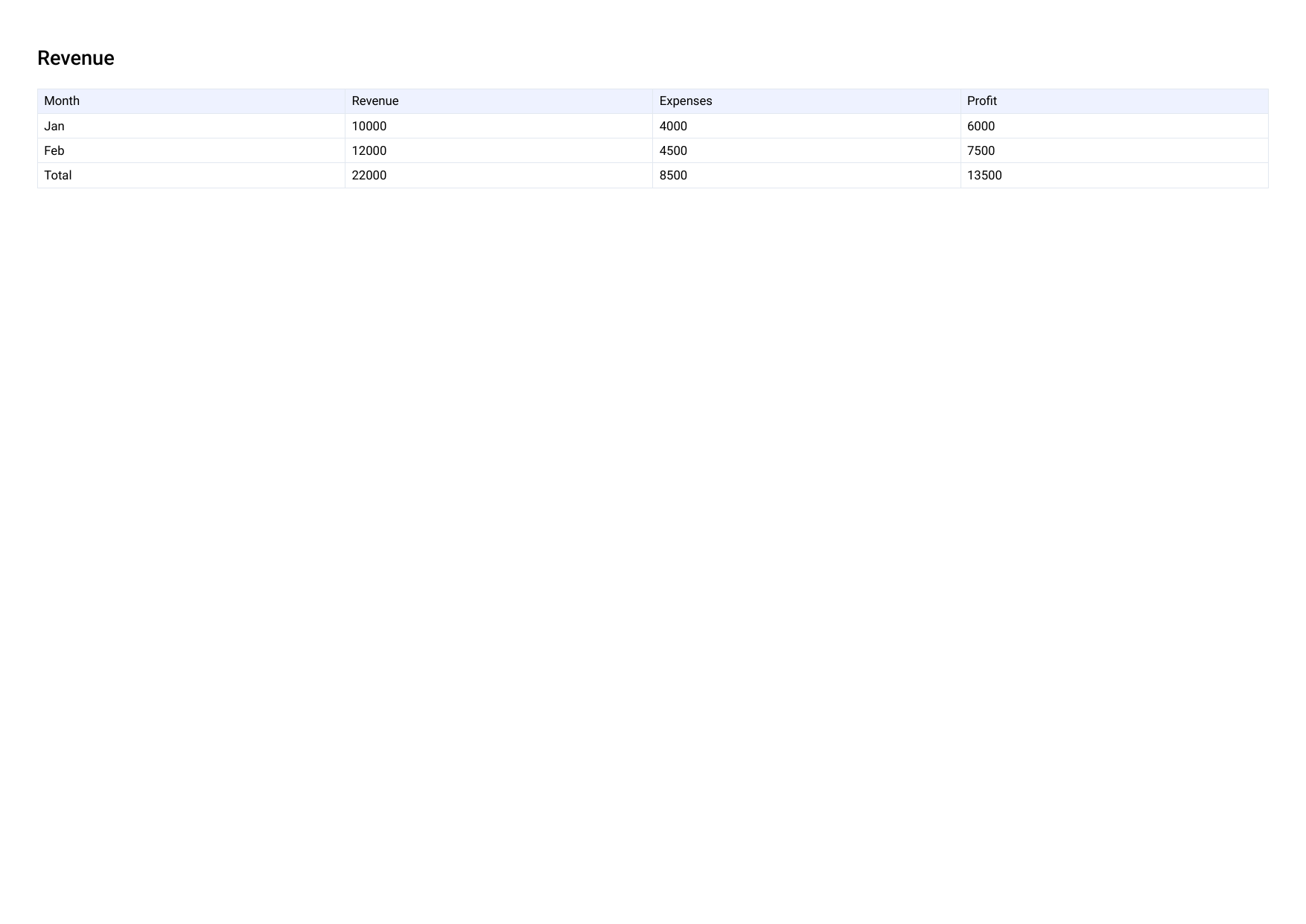
Click "Convert to PDF" and download. Each sheet becomes its own table, with the sheet name as a heading.
What to expect, honestly
StayPutPDF turns your sheets' data and structure into clean PDF tables — not a copy of Excel's print layout.
Column headers, all rows, every sheet as its own section, and formulas' calculated values.
Charts, embedded images, cell colours and Excel's exact print layout.
Great for data exports and reference copies. Check a designed report before presenting it as-is.
Upload your workbook to a server to render it, then send back a PDF.
Reads the workbook in your browser and builds the PDF locally. Budgets, payroll and client numbers never leave your device.
Who this is for
Anyone who keeps something in a spreadsheet but needs to send a clean, read-only copy — a budget for a client, an inventory list, a set of calculations for a report — without uploading the working file to another website.
Free and Premium
15 pages a day
- Every tool except OCR — merge, split, organize, compress, redact, sign, edit, page numbers, protect, convert (incl. PDF to Word and JPG), extract text
- No watermark, no account, no email
- Counted across all tools; the count resets every day
$9/month
- No page limit on any tool
- OCR: make scanned PDFs searchable, 39 languages
- Your signature saved on this device (never uploaded), and your signature or initials on every page in one click
- Number a whole set of files in one go — plain or Bates, with an index
- One-click form filling with your saved details — name, address, email
- Or $69/year · $149 once, for life
Free or Premium, the tools work the same way: your files never leave your device.